


The Real Estate and Appraiser License Management Portal (REALM Portal) just launched, and with that comes some updates to how you manage your license with TALCB and additions to the end of your number.
Your Updated Licenses Are Being Delivered
TALCB is sending by email a new license you can use in your reports. This process is taking longer than expected but is actively progressing. In the meantime, you can use the suffixes below to add to your current license number for reporting.
Updated License Numbers
All license numbers will include a license-type suffix. This suffix will appear after your license number (example: 123456-CG) and will also be printed on your license. These suffixes help clearly identify the type of license you hold in the new system. Below are the suffixes assigned to each license type.
TALCB License Types
- Appraiser Trainee: -T
- Certified General Appraiser: -CG
- Appraisal Management Company: -AMC
- Certified Residential Appraiser: -CR
- Licensed Residential Appraiser: -LR
- Qualifying Education Provider: -AQP
- Continuing Education Provider: -ACEP
What Lenders Should Know
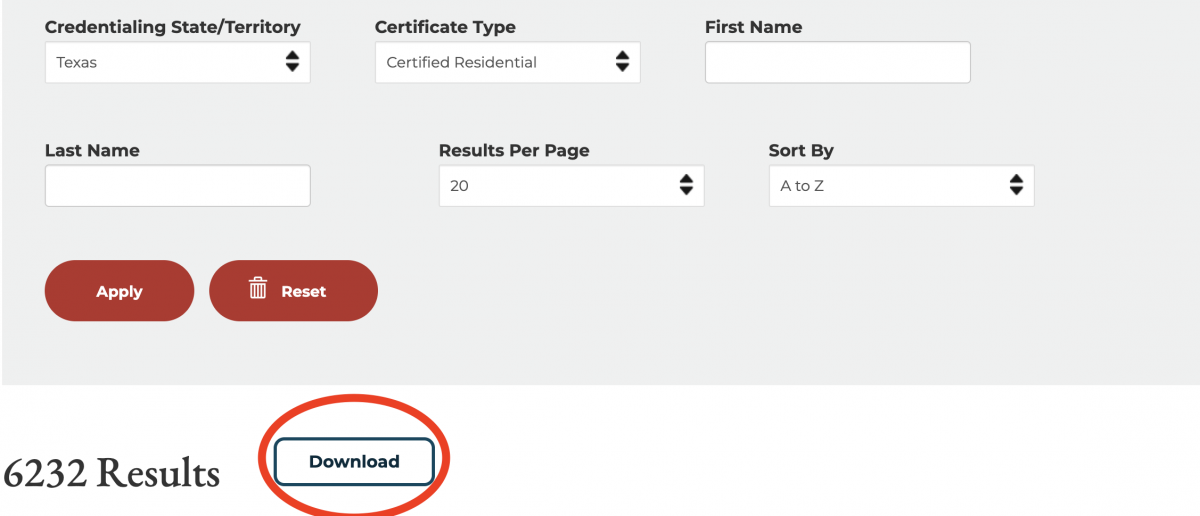
Some appraisers have yet to get their license. The ASC National Registry has all of TALCB’s license numbers with the updated structure. To confirm whether an appraiser's license is current, use the registry download tool. The report contains the most accurate information as the ASC works to update their website. Use the following links and then hit the “Download” button.
Need More Info?
Find regular updates about the REALM Portal at talcb.texas.gov/lms.